
Ratefox - Back-Office
Ratefox Back-Office Link
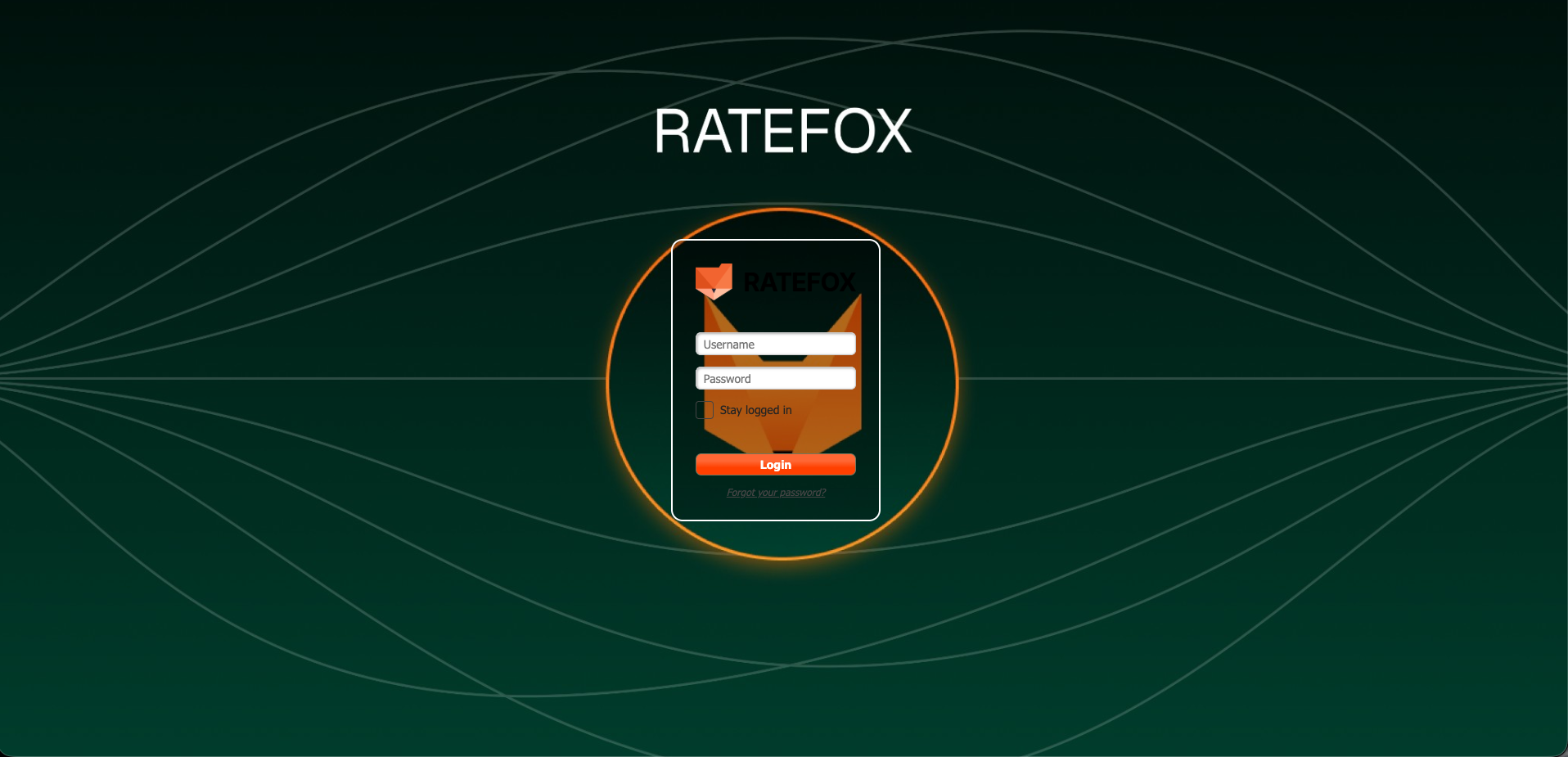
Ratefox Back-Office Login Screen
Overview
Upon on-boarding to Ratefox, each client will be granted with Back-Office / Operational user in addition to API Users.
this user has two main operational abilities -
-
Manage Contracts
In this section, you’ll find your full list of contracts. Each contract represents a connection with a supplier and includes its specific API keys. A single supplier may have multiple contracts such as B2B, B2C, CUG, and others.This screen lets you connect a new contract, update API keys, passwords, and other sensitive details in a simple and secure way. Once you save the changes, all keys, usernames, and passwords are automatically masked and stored securely.
-
Manage Order
The Manage Orders screen is where the user can view the bookings. It’s designed for reservation oversight and reporting.
Login Page
1. Simply enter the shared Username + Password
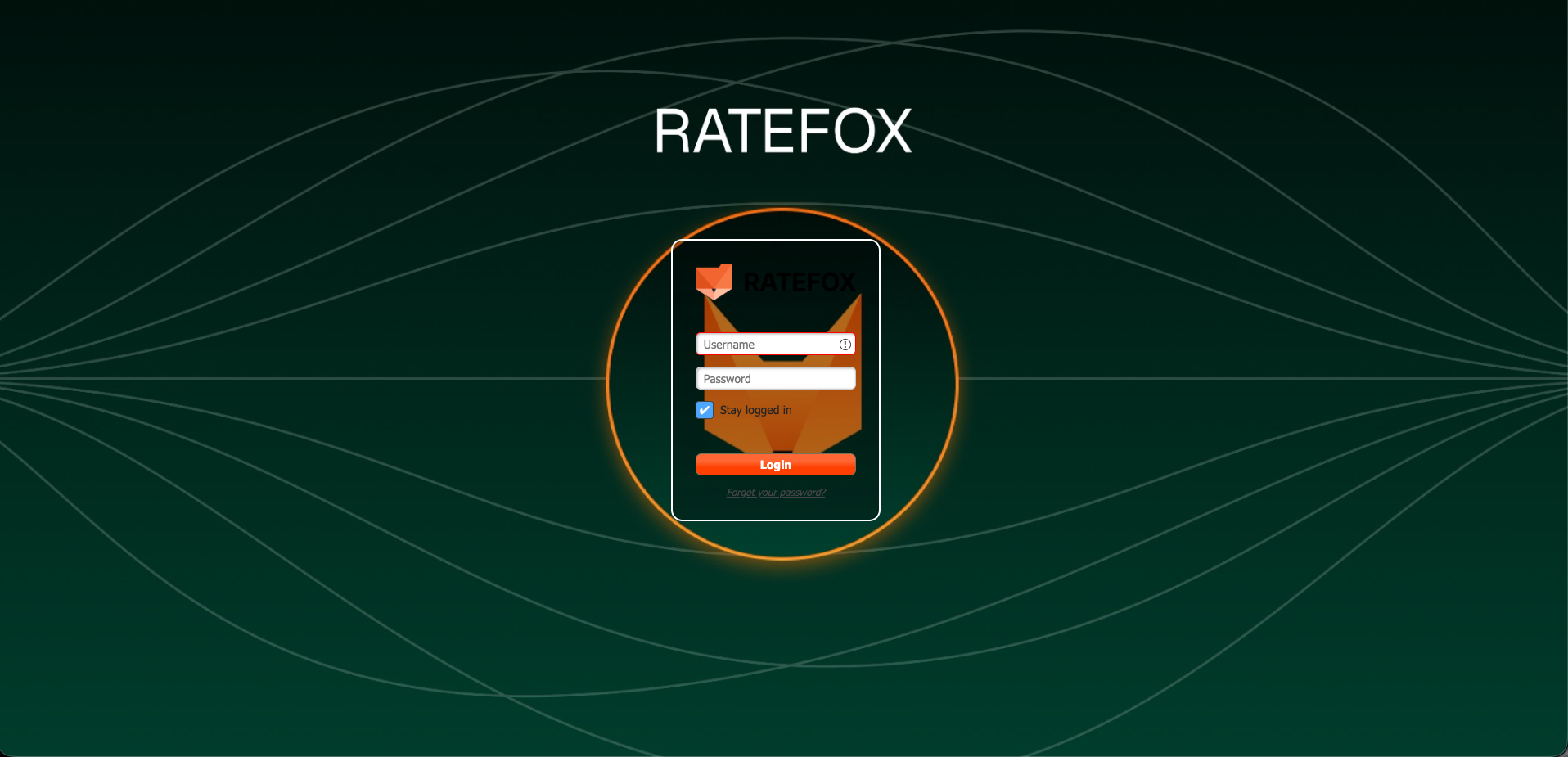
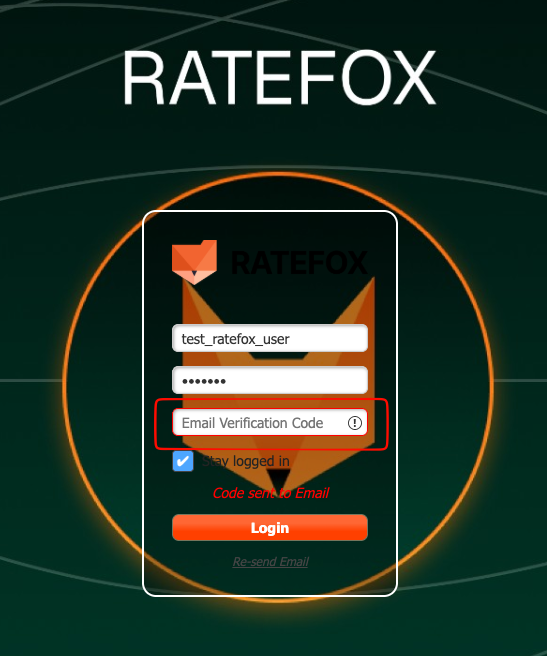
2. Enter the 2FA Code received in your Email box.
Manage Contracts
The initial setup and contract creation are handled by the Ratefox Support team.
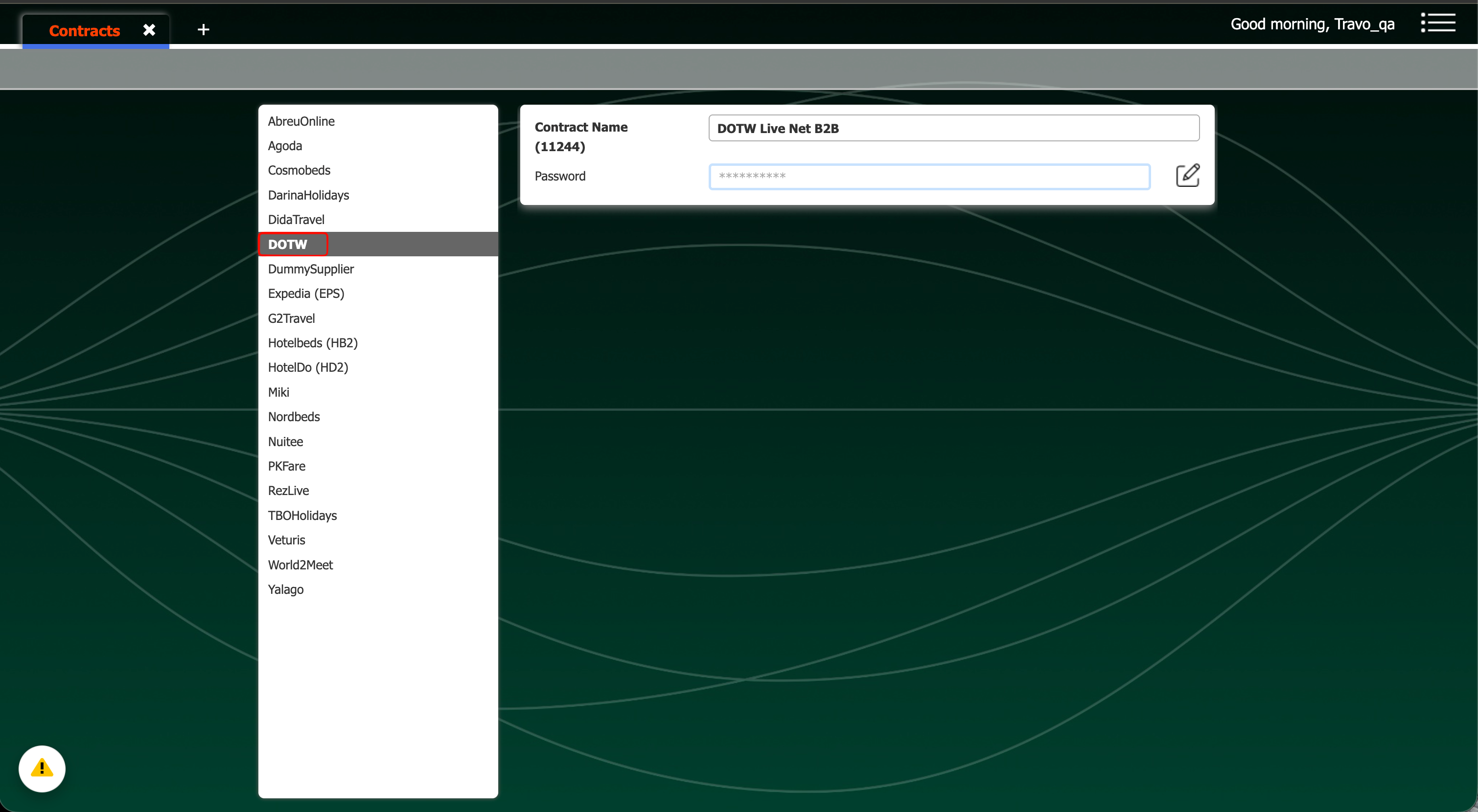
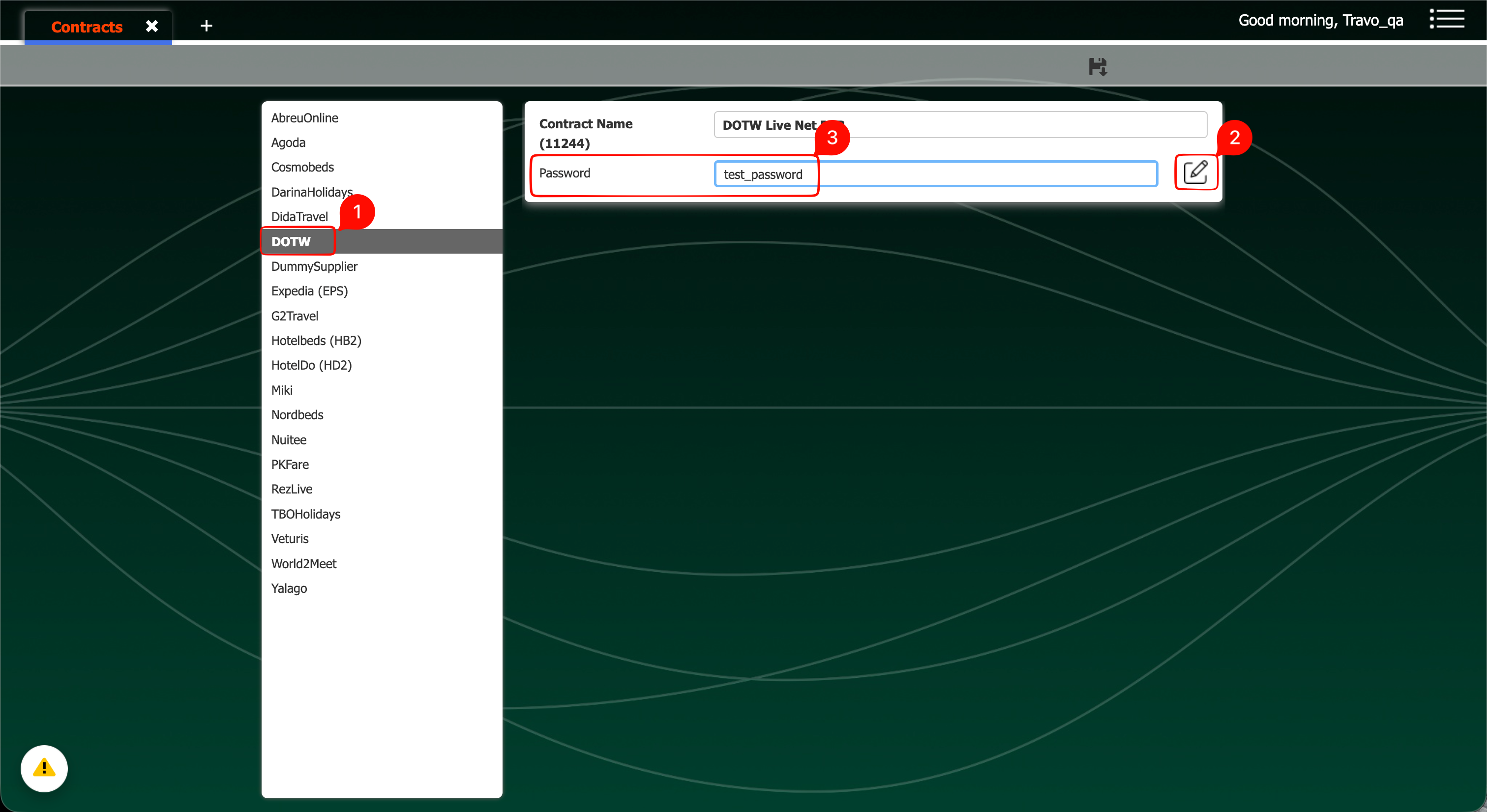
Once this is completed, you can go to the Manage Contracts section and maintain your own usernames, passwords, and API keys. Simply select the supplier you want to manage, choose the relevant contract, and update the details as needed.
Step 1 - Click on "Manage Contracts"
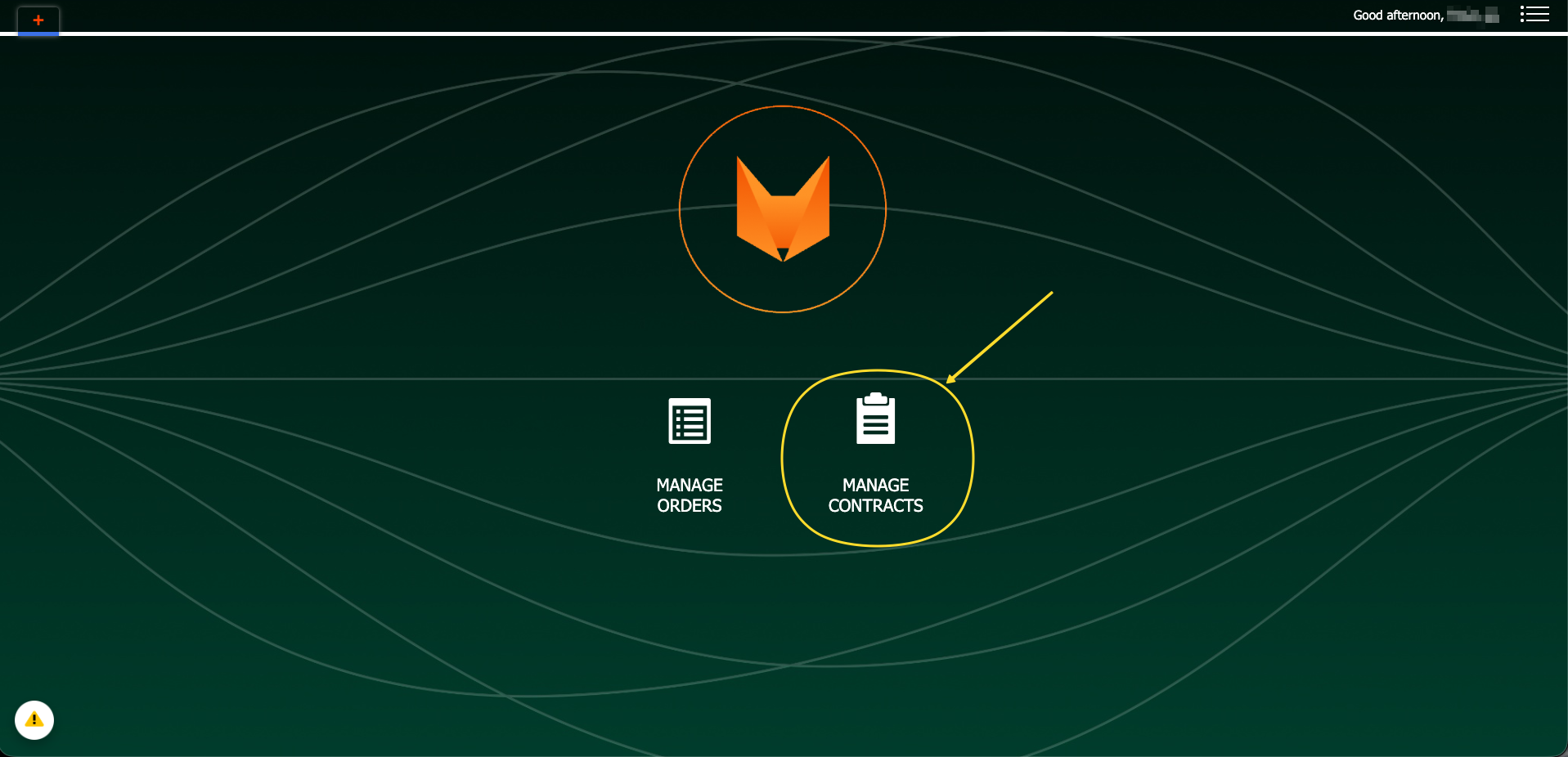
Step 2 - Pick the wanted supplier
Step 3 - Click "Edit Field" and Enter the information
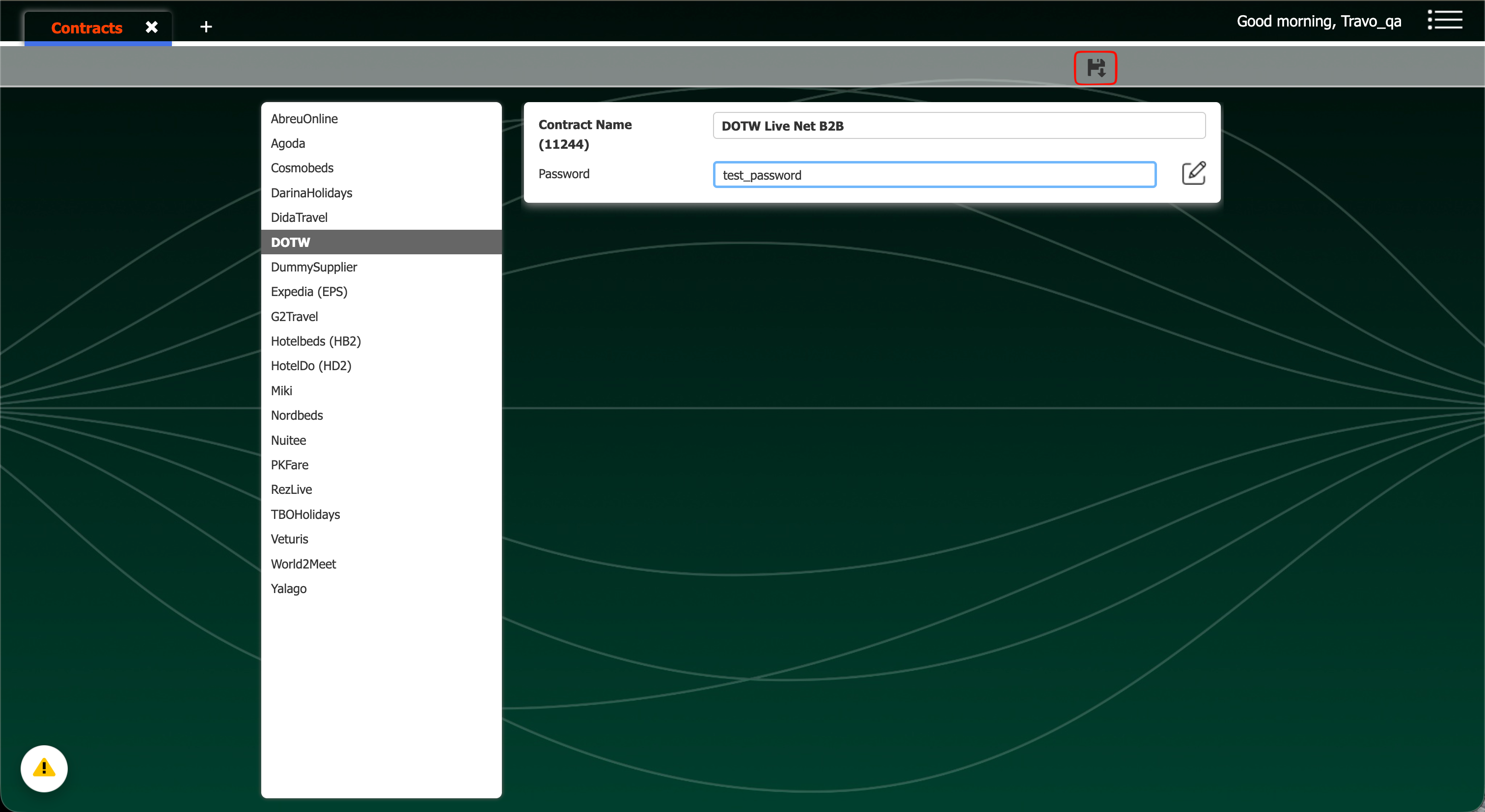
Step 4 - Click "Save"
Manage Order
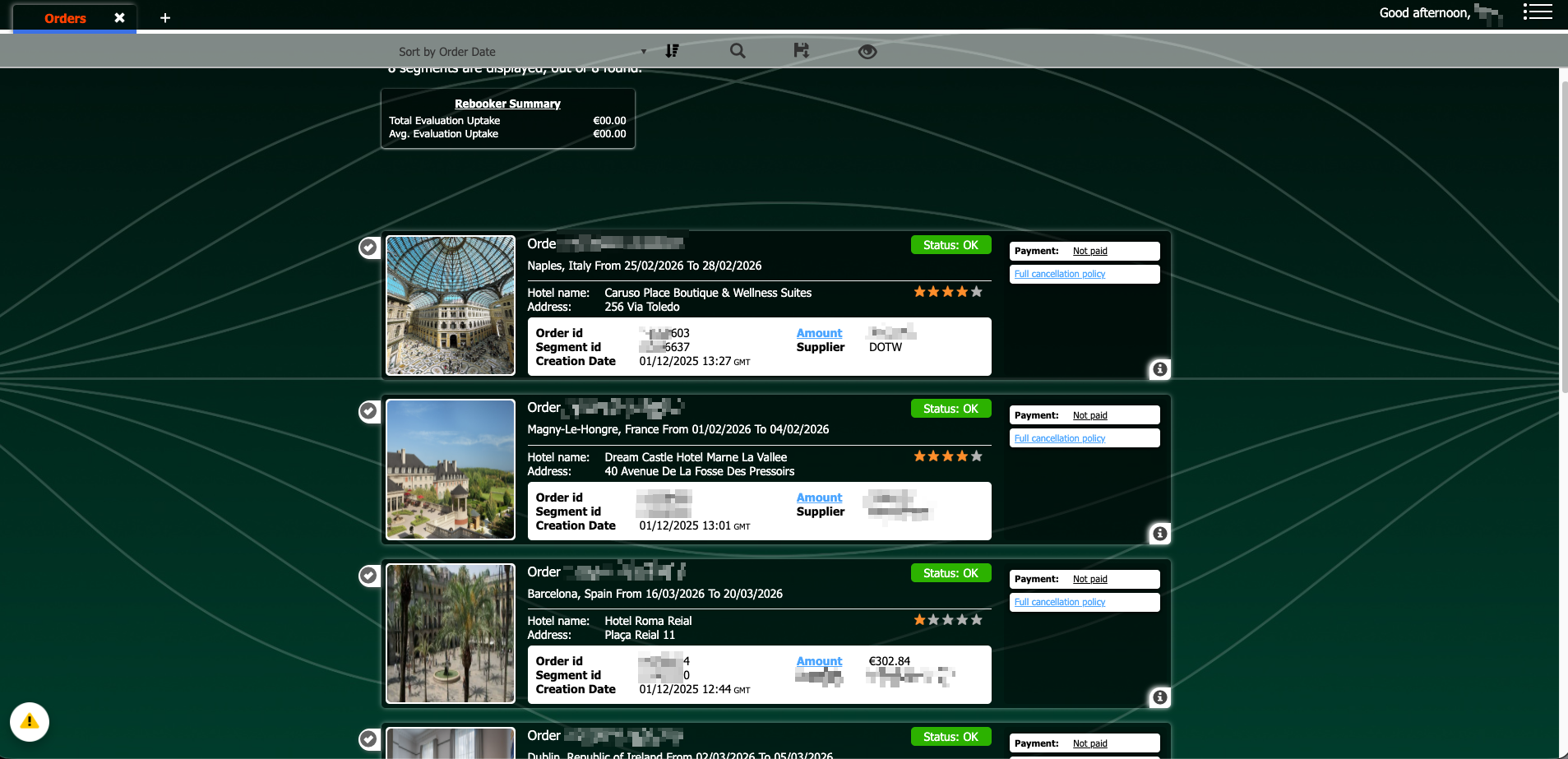
Each order has information about the rooms, payment details, confirmation info etc. In addition, information about payment status, cancellation policy (and full cxl policy details) are available.
Search Orders filters
The search parameters are quite extensive and allow you to filter out the results practically using any or combination of several criteria's.
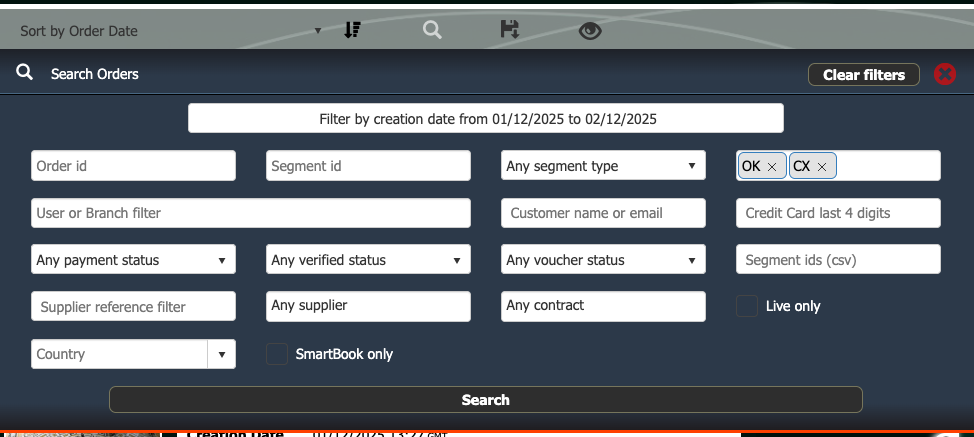
Search Orders Filters
Order Summary
Each order has information about the rooms, payment details, confirmation info etc. In addition, full cancellation policies are available.
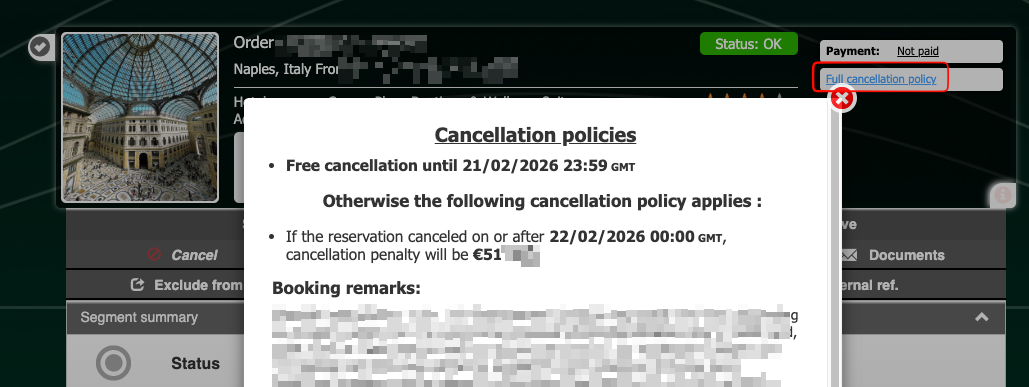
Full Cancellation Policy
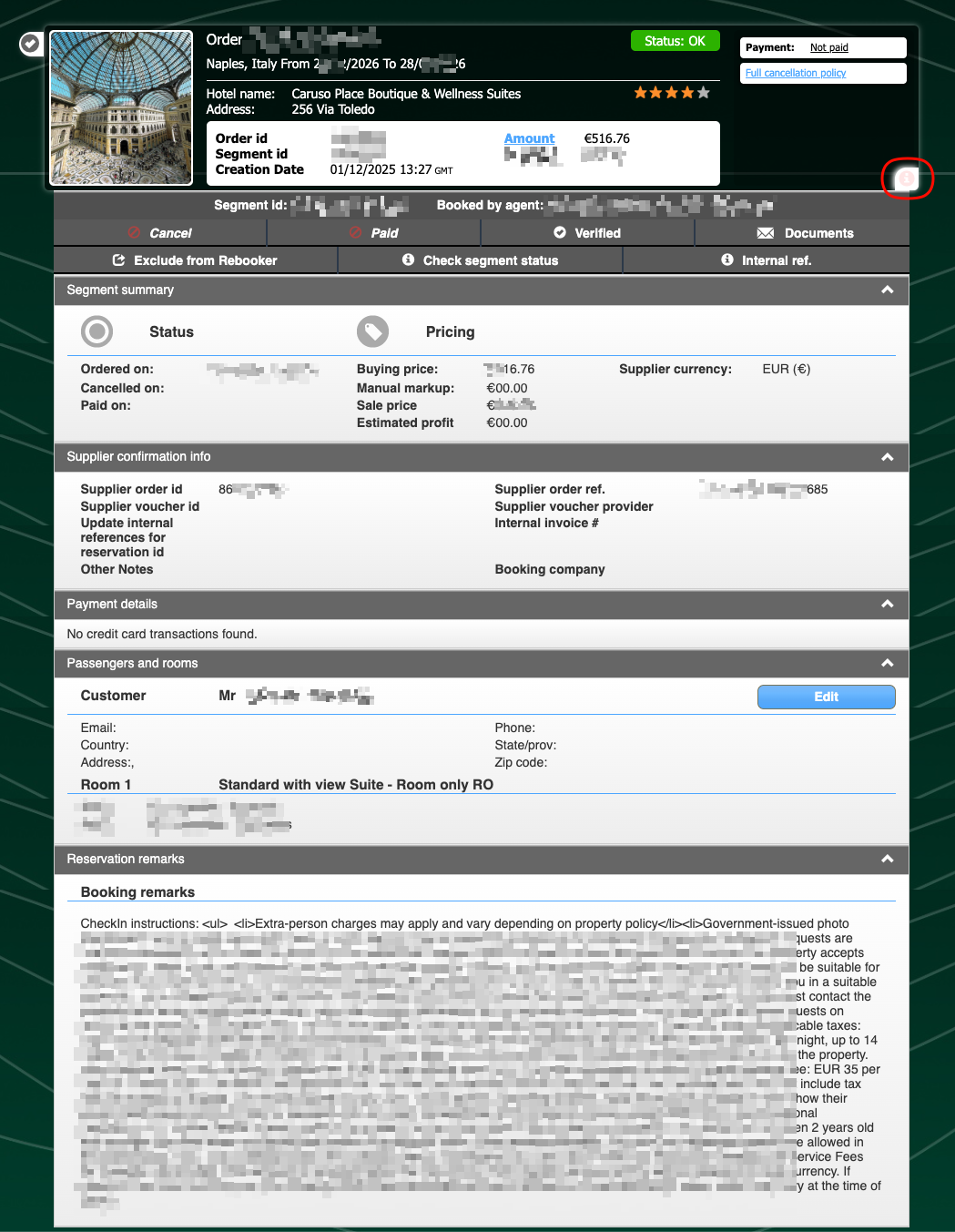
Booking Informatio
Updated 19 days ago